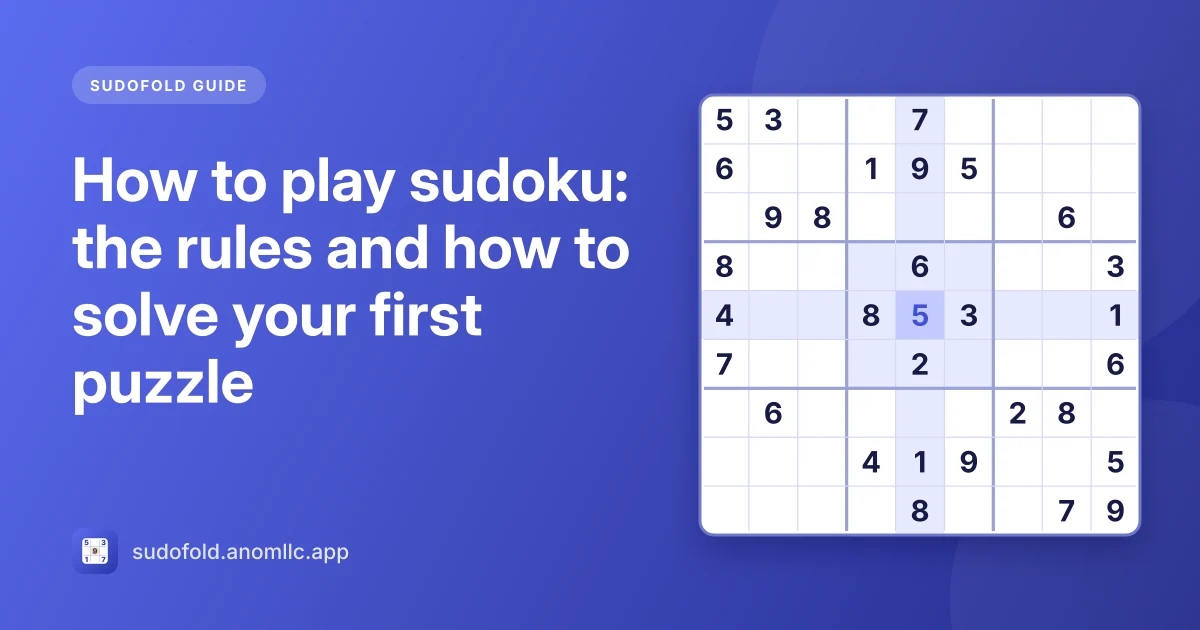
Sudoku is a logic puzzle played on a 9 × 9 grid. Fill every empty cell with a digit from 1 to 9 so that each row, each column and each 3 × 3 box contains every digit exactly once. Some digits are given at the start; you work out the rest by logic alone. There's no maths involved: the digits could just as well be nine colours or nine letters.
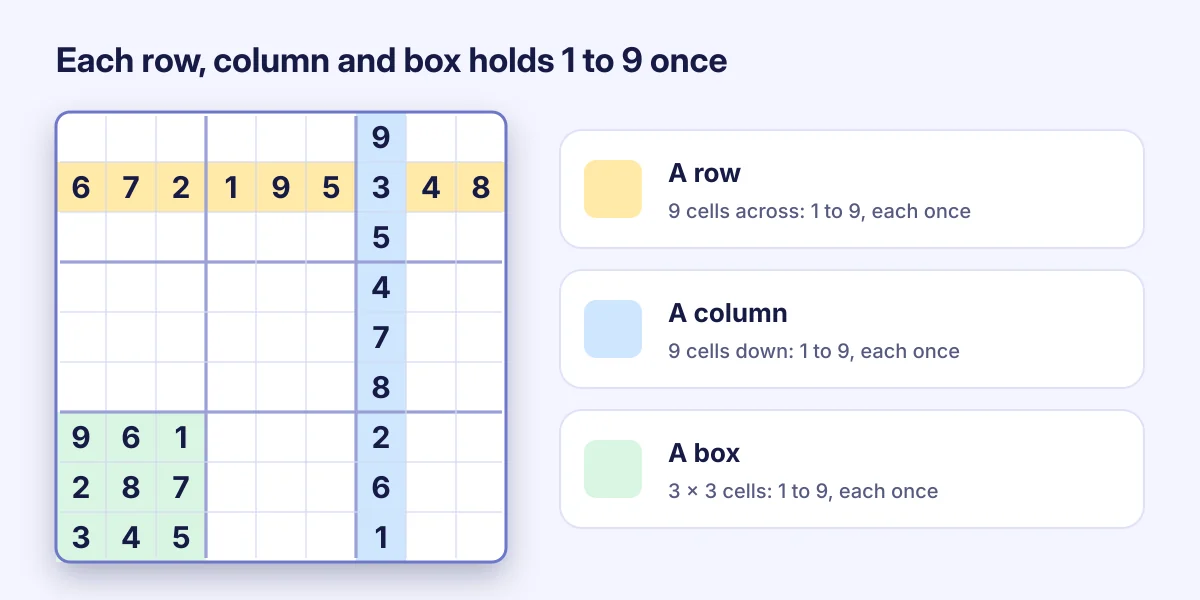
The grid
- 9 rows run across, 9 columns run down.
- The grid is split into 9 boxes of 3 × 3 cells, marked by thicker lines.
- Every cell belongs to exactly one row, one column and one box. Those 20 other cells are its "neighbours": none of them can hold the same digit.
A well-made sudoku has exactly one solution, so you never need to guess. If you feel you have to guess, there's a step of logic you haven't spotted yet. Every puzzle in Sudofold is checked for a single solution before you see it.
How to find your first digits
1. Scan for one digit at a time
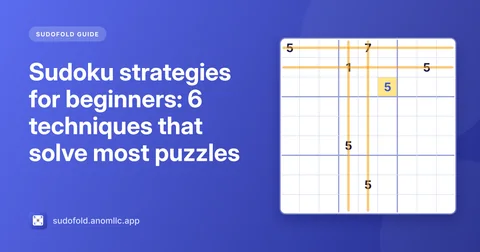
Pick a digit that appears often among the givens, say 5. Look at a box that doesn't have a 5 yet. Every row and column that already holds a 5 is blocked for that box. If only one cell in the box is left open, the 5 goes there. This is called a hidden single, and it's how most puzzles start.
2. Look for a cell with only one possibility
Pick an empty cell and list the digits already in its row, column and box. If eight different digits are there, the ninth is the answer. This is a naked single. It works best in crowded areas of the grid.
3. Repeat
Each digit you place blocks more cells, which opens up new singles. On an Easy puzzle you can solve the whole grid this way.
When to start using notes
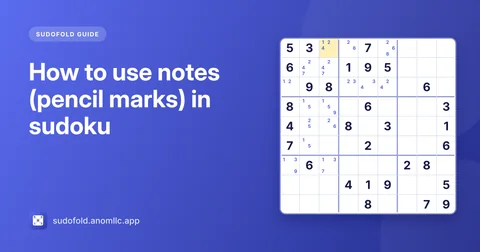
When scanning stops giving you digits, write notes (also called pencil marks): the small candidate digits each empty cell could still hold. In Sudofold, tap Notes so it says On, then tap digits to add or remove them. When you place a digit, Sudofold removes it from the notes in the same row, column and box for you. Our guide to sudoku pencil marks shows how to use them well.
Playing in Sudofold
- Tap a cell, then tap a digit at the bottom of the screen. The row, column, box and every matching digit light up, so you can see what's blocked.
- Made a mistake? A wrong digit turns red and counts as a mistake. With the mistake limit on (the default), the game ends after 3; you can turn the limit off in Settings.
- Undo takes back your last move, Erase clears a cell.
- Hint fills in one cell: the one you've selected if it's empty or wrong, otherwise the easiest cell to solve next. You get 3 free hints per puzzle.
- The number under each digit shows how many are left, so you know when a digit is finished.
What to do when you're stuck
- Switch digits. Scan for a different digit; a fresh angle often shows a single you missed.
- Check the nearly full rows, columns and boxes. With two or three cells left, the possibilities are few.
- Fill in notes everywhere. Then look for a cell with one candidate, or a digit that appears in only one cell's notes within a row, column or box.
- Take a break. It sounds silly, but a pause really does help you see the grid again.
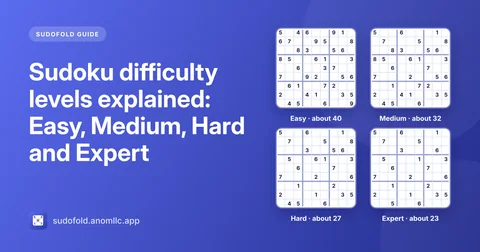
Ready for more? The sudoku strategies for beginners guide covers the next techniques, and sudoku difficulty levels explained shows what changes from Easy to Expert.